
Searching Cases by Name in Washtenaw County
Begin a name search at MiCOURT Case Search. Pick the court when the screen gives you that choice. The public name panel requires just one field: Last Name or Business. The rest is optional. First Name, Middle Name, and Birth Year help narrow a crowded result. Searching for a company? Put the business name in the Last Name or Business box. Enter the least information first, then weigh what comes back. Each entry shows its court and case type. It also shows the filing date, party role, and status. Those details tell you whether the docket entry belongs to your person or business.
- Identify the likely Washtenaw County court from the municipality and case type before entering a name.
- Open MiCOURT, select the court or location, and enter the required last name or business name.
- Add a first name, middle name, or birth year only when it is needed to separate similar public results.
- Review the returned court, case type, party role, and filing information before opening a public case history.
- Contact the court of record when a result needs confirmation, a document, or a certified copy.
Ann Arbor users can also start at the 15th District Court case-search page. That official city page points to the Michigan system and notes that public results leave out nonpublic material and personal details.
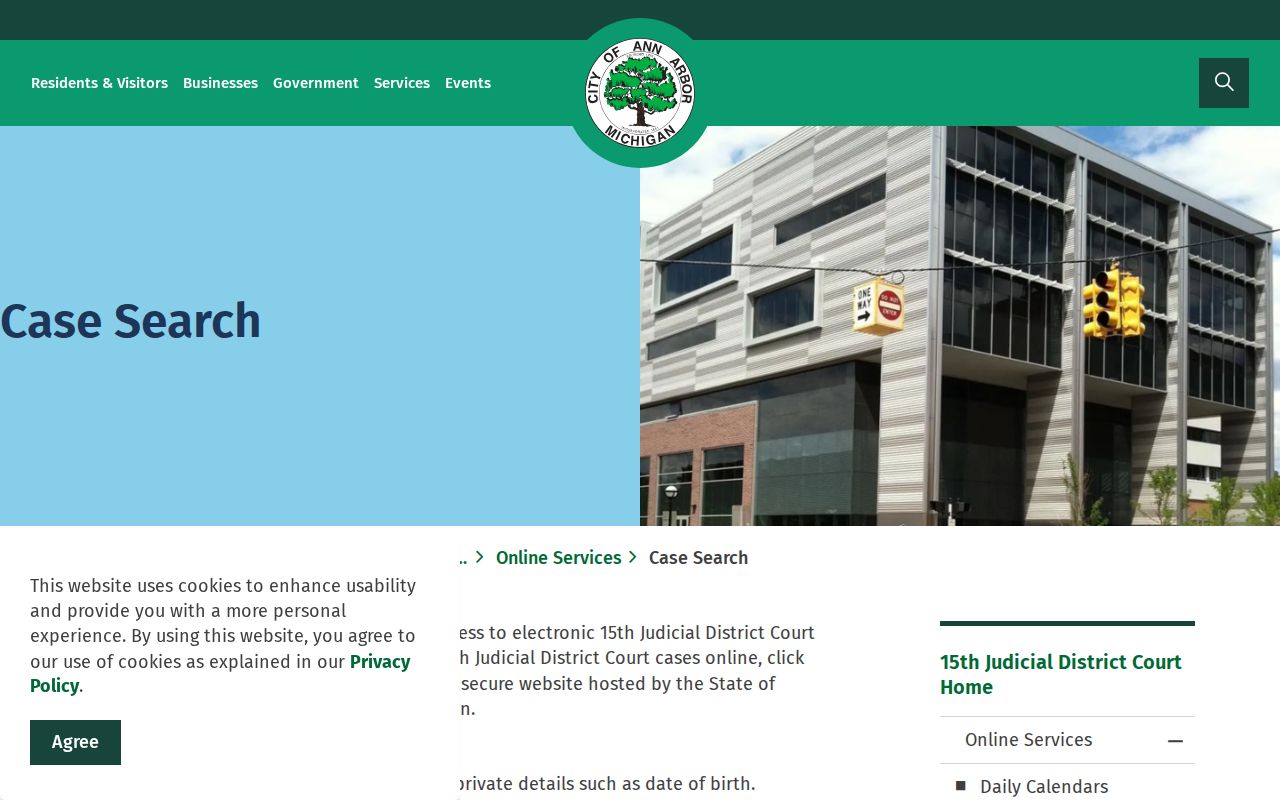
That court-specific route matters because Washtenaw County is not a single undifferentiated docket database.
| Field Label | Type | Required | Notes |
|---|---|---|---|
| Last Name or Business | Text | Yes | The official use-case identifies this as the required name-search field. |
| First Name | Text | No | Use it to separate common surnames or business-related results. |
| Middle Name | Text | No | It is an additional public name-search field. |
| Birth Year | Number | No | Use only when necessary to distinguish a public result. |
Note: A shared name is not proof of identity. Check the court and the party role before you rely on any Washtenaw County search result.
MiCOURT for Washtenaw County Case Search
MiCOURT is the statewide public layer for a Washtenaw County case search, but the selected court still decides what comes back. The county's own court-records service sends case look-up through MiCOURT and separately points visitors to local docket and calendar resources. No login is needed for public access. MiFILE is different. It is an e-filing system with its own sign-in, not a public case-search account.
The official MiCOURT technical reference documents the available filter concepts: case type, category, subcategory, case status, public status, judge or jurist, petition status, amounts due, and filing or disposition date ranges. Treat those fields as reference material, not a promise. Each Washtenaw County court presents its own choices. The screen changes with the court and its case types.
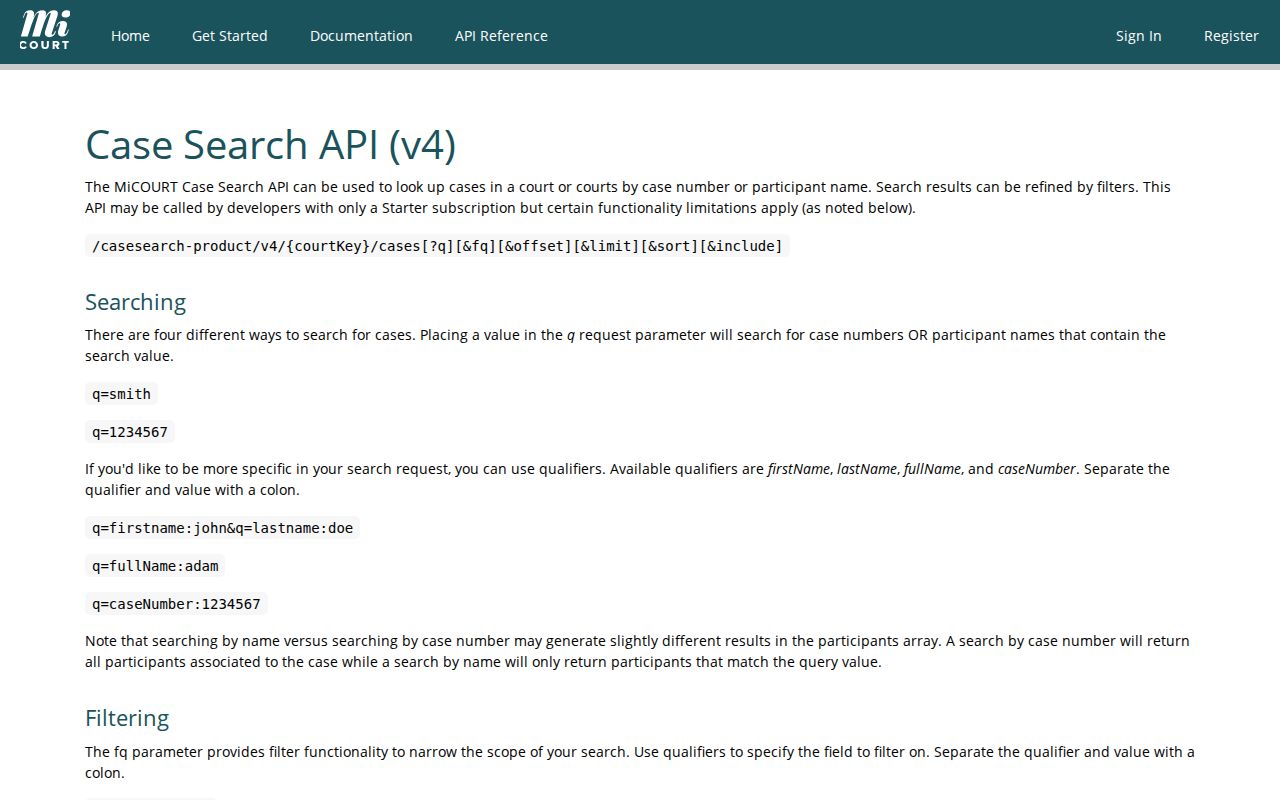
For a public Washtenaw County case search, confirm the court on MiCOURT first. Then apply only the filters its screen actually shows for that docket.
Searching by Case Number in Washtenaw County
A full case number beats a name search for precision. The MiCOURT number panel splits the query into Year, Number, and Type. Drop each piece into its own field rather than typing one long string where names go. Follow the local pattern of Year / Number / Type. Pick the type from the codes the selected court actually offers. That is why you should choose the court before you search the number.
The 15th District Court publishes its type code examples. GC means General Civil. LT means Landlord-Tenant. SC means Small Claims, and SP means Land Contract Summary Proceeding. GZ covers Miscellaneous Civil, and more codes handle traffic and criminal matters. A type code only labels the case classification. It says nothing about the outcome or the current legal effect of any filing.
Cases sometimes move. If a matter began in a district court and later transferred to circuit court, search with the number shown by the court that took the action, then read that court's case history. Appeals sit in Michigan's appellate systems instead, so never assume a Washtenaw County trial-court result tells the whole story.
Washtenaw County Case Search Filters
Pick the right Washtenaw County court before touching any filter. The categories come from MiCOURT's technical materials. The list covers civil, criminal, domestic, juvenile, non-traffic, probate, and traffic, plus court-specific types and subcategories. Status values get their own list. Open, closed, disposed, deferred, mediation, ADR, and garnishment all appear as options. Treat any status you see as a system label. It is not a plain-language decision about liability or responsibility.
The public-status setting trips people up most. The technical reference uses public and suppressed. That word "suppressed" is not a casual stand-in for sealed. Whether a Washtenaw County record counts as public, redacted, nonpublic, or sealed depends on the court's own rules and any order that applies.
MiCOURT's technical behavior documentation lays out general queries. It also covers separate first-name, last-name, and case-number searches.
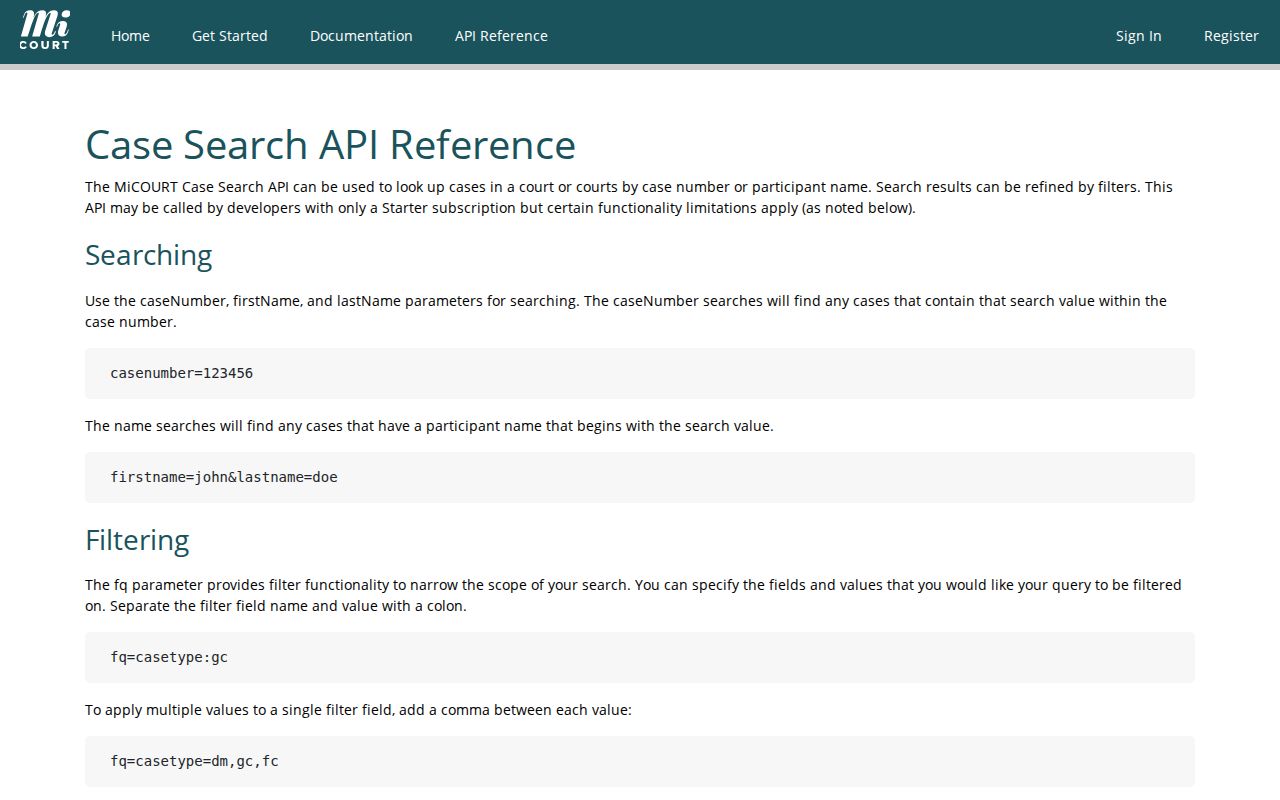
Use these details to read a search response. An unlisted case or filter value can have more than one explanation, so do not infer a single cause.
What a Washtenaw County Case Search Returns
A public Washtenaw County case search can return plenty of detail. Expect the court and location, case number, case type, and a public-status notice. Party-role labels and filing information come too. Many results add the case history, future or past settings, a judge or magistrate, and the division. Depending on the case, you may also see the originating agency, a related case reference, and financial-event or disposition fields. At the core sits the register of actions. It is a chronological index of filings, settings, notices, motions, and orders. It is not necessarily a set of document images.
| Court and location | The Washtenaw County court or division that provides context for the result. |
|---|---|
| Case number and type | The court-assigned identifier and classification used to locate the case history. |
| Parties and roles | Public party-role labels, without treating a matching name as identity proof. |
| Filing and history | Chronological entries such as filings, appearances, motions, notices, orders, and settings. |
| Status or disposition | A case-system label that should be read with the actual order or court record when interpretation matters. |
| Access notation | Public, nonpublic, redacted, suppressed, or similar availability information where displayed. |
A filed motion is a request, not a ruling. The docket only shows that the paperwork went in. When a Washtenaw County entry reads "closed" or "disposed," it means the matter is no longer active in that same posture, never a finding of guilt or liability.
Note: A docket entry can name a document or proceeding while the attached file itself stays unavailable for public download.
Washtenaw County Case Search Sources
Washtenaw County splits its case access by location and category, and it has for years. The legacy Odyssey Public Access landing page lists Criminal Case Records, Civil, Family & Probate Case Records, and a Court Calendar. It may redirect or fail to load. Start instead with the county's current online-resource paths and MiCOURT, the stronger entry points for a Washtenaw County case search. Treat the legacy page as history, not as a promise of a working portal.
Tickets and traffic cases run through a different door. Michigan eCourts offers a separate Ticket / Case Search with county and court selectors. It accepts several identifier paths. Remember what it is: a ticket lookup and payment entry point, not a full document repository. The court holding the case remains the contact for a case history, a document, or a certified copy.
A hearing date from any search can be checked against the local calendar. The Washtenaw County court calendar shows how the 14A and 15th calendar channels fit beside a case result.
Statewide vs Washtenaw County Case Search
A Washtenaw County case search often needs two doors. MiCOURT is the statewide public search entry. The county's own records and online-resource pages handle the local side: routing you to the right court, the 14A calendar, and court-services steps. Use both when the court is unclear, a calendar date needs confirmation, or an online result lacks the document you need.
| Search layer | Best use | Important limit |
|---|---|---|
| MiCOURT Case Search | Locate a public case by selected court, name, or Year/Number/Type search. | Public information is informational and excludes listed nonpublic categories. |
| Washtenaw County resources | Find the local 14A links, calendar routes, Court Services, and records-request channel. | The county is served by several courts rather than one countywide docket. |
| 15th District services | Search Ann Arbor district cases, review registers, and use daily calendar options. | Cases closed before August 5, 2006 are not shown in its public search. |
Neither layer gives you a certified record. When an official copy is required, identify the court and case number, then use that court's records process.
When a Washtenaw County Case Search Fails
A no-result response is rarely the last word. It can mean the wrong Washtenaw County court was selected. The name may have been entered differently. The case may predate electronic public access, or the record may not be publicly displayed. MiCOURT also gives a seven-year criminal-sentence display notice for older convictions. An empty screen does not prove a court event never happened.
Work through the basics first. Recheck the municipality, court level, spelling, and the Year/Number/Type fields. Then ask the court of record how to locate an older file. Ask whether a public-access limitation applies. Never work around a restriction with repeated queries, cached snippets, or third-party copies. MiCOURT expressly prohibits bulk downloads and excessive automated requests. It may rate-limit automated, proxy, or high-volume traffic. For an older or incomplete Washtenaw County result, clerk confirmation beats assuming the public search is exhaustive.
Access and Restricted Cases
Michigan Court Rule 8.119 sets the default. Trial-court records are public unless a statute, court rule, administrative order, or specific order restricts access. The rule also requires a way to inspect or copy public electronic records. It calls for protected personal identifiers to be redacted. None of that promises every filed attachment, case type, or party field appears online.
MiCOURT names many categories left out of public display. The list includes adoptions, juvenile and child-protective proceedings, and juvenile guardianships. Also on it are mental-illness matters, name changes, parental waivers, PPO-related matters, extreme-risk protection orders, and wills. Michigan law separately restricts juvenile records. A public calendar can omit sealed or nonpublic cases too.
If a result is restricted, contact the court that holds it. Ask about authorized access. Draw no conclusions from a missing entry, an omitted calendar listing, or a suppressed display.
MiFILE and Washtenaw County Case Records
MiFILE is Michigan's statewide electronic filing system. It is not the public Washtenaw County case-search portal. The official available-courts list includes Washtenaw Trial Court and the 15th District Court. Its filing rules govern eligible filing workflow rather than ordinary public access. Someone seeking a public case history should use MiCOURT or the court's own online-services path. A MiFILE login is not a docket search. The MiFILE available-courts page shows current court participation and filing availability.
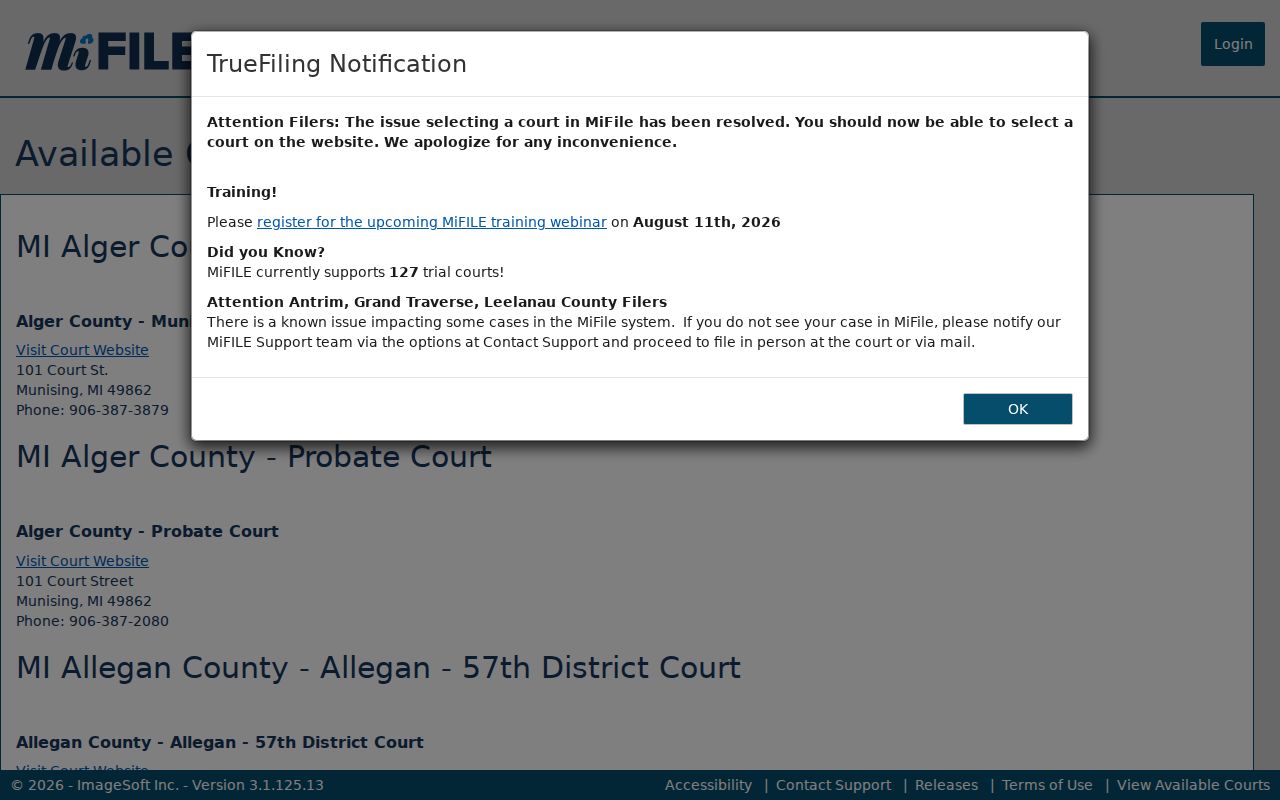
Keep filing and searching separate. That habit stops a Washtenaw County case-search user from mistaking an electronic filing account for public record access.